
VALDA SYNC puts your watch, phone and the web on the same session. Log a set on your Apple Watch or Wear OS watch and it's on your phone, on the web and in your coach's view, with the heart rate your watch recorded. You can start from your wrist with your phone away, and the watch holds every set until VALDA has it.
Squat, set 4. Logged once.
Alex is in week 6 of GZCLP. The phone is in the gym bag. This is the same set, a few seconds apart.
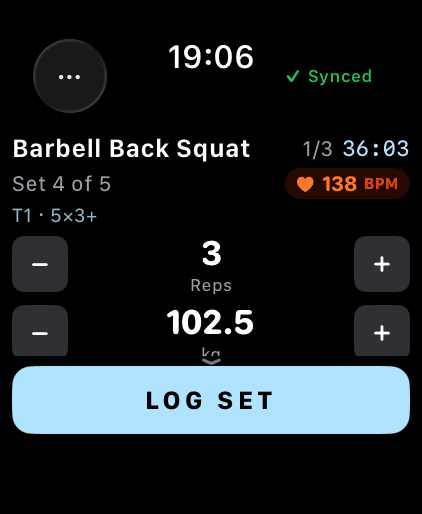
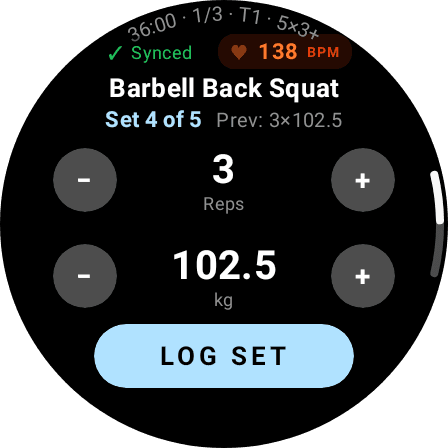
Set 4, logged
102.5 kg × 3 on the squat. One tap on LOG SET, phone in the bag.
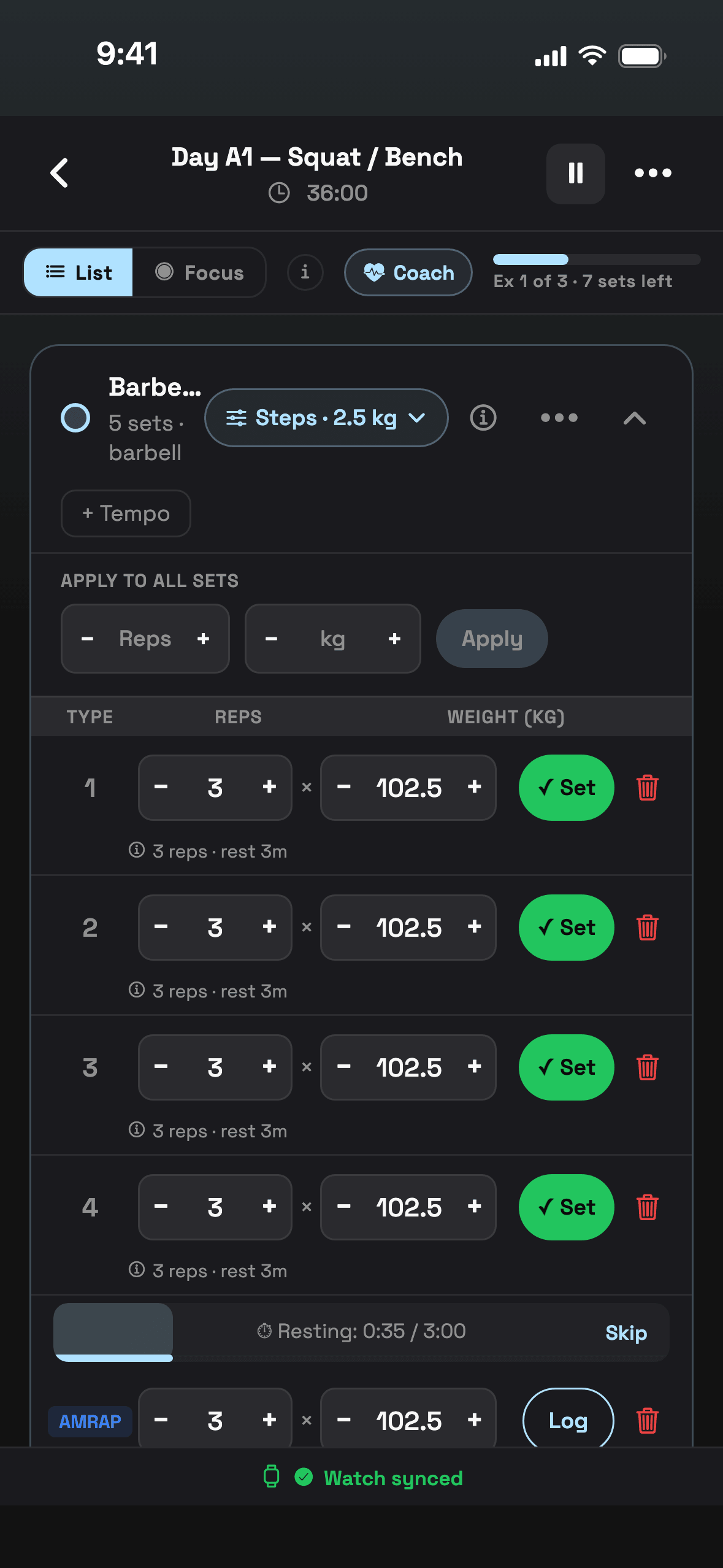
Already ticked off
Set 4 is ticked off in the session on your phone, the same rest timer is running, and the strip at the bottom says the watch is in sync.
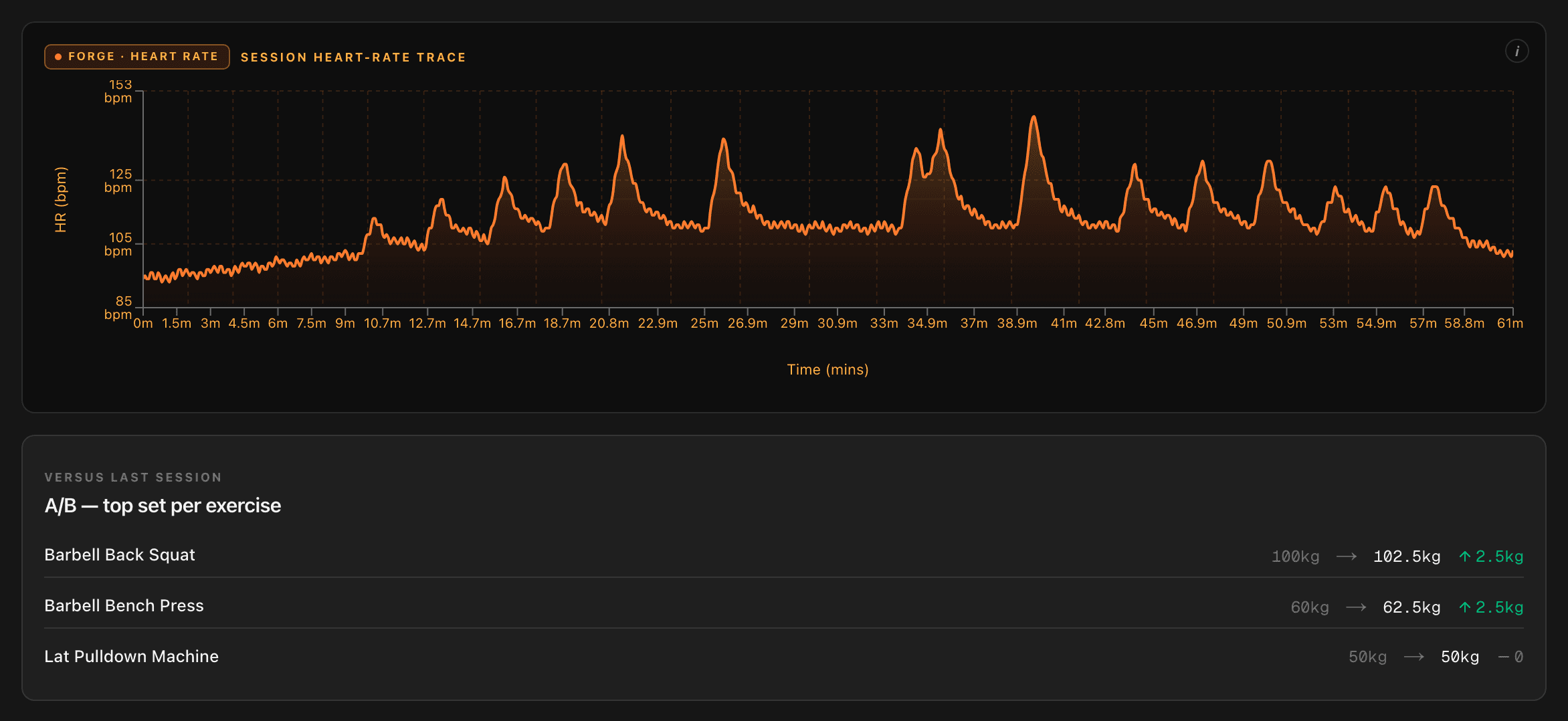
In the record
When the session ends it's on your web dashboard: every set, with the heart-rate trace your watch recorded. A coach you've connected sees it too.
No phone needed to begin
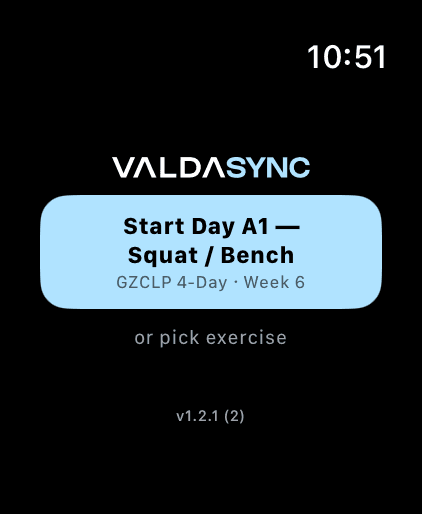
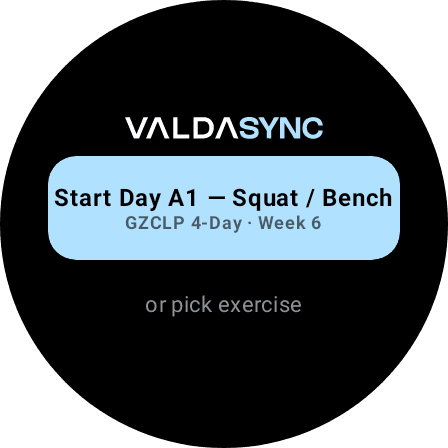
Today's programme day is already on your watch. Tap it and the session starts there, with your sets, weights and rest times, even with your phone switched off or left at home.
- Works on Apple Watch and Wear OS
- Pick a single exercise instead if you're training off-plan
- Started on the phone instead? The watch picks it up
LOG SET, and that's it
The watch shows the exercise, the set you're on and the weight and reps your programme calls for. Change them with + and − if you need to, then one tap logs the set.
- Set number, weight and reps on one screen
- Rest countdown starts on its own
- Heart rate in the corner while you lift
Your watch's heart rate, kept with the session
While a session runs, the watch records your heart rate and keeps it with the session. You see it on the wrist while you train, and afterwards as a trace across the whole session on the web.
- Shown live on the watch, between sets too
- Saved with the session it belongs to, as a trace you can read back
- Used by Forge (Pro) as a supporting signal for effort
How heart rate feeds effort: The Forge.
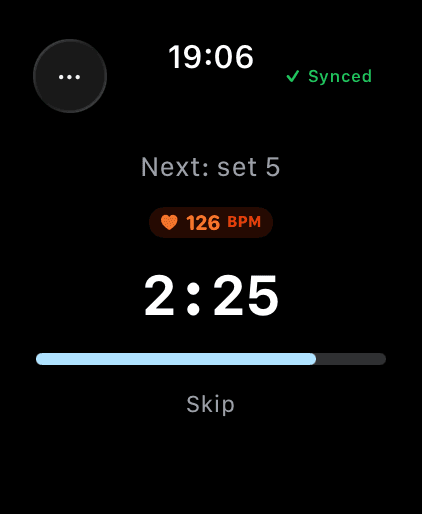
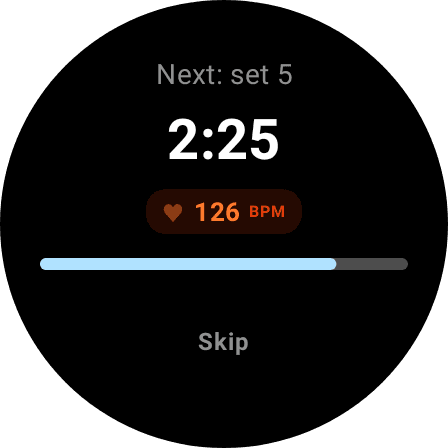
The watch holds on until VALDA has it
Every set you log stays on the watch until VALDA confirms it has it. The watch sends it through your phone when your phone is nearby, or straight to VALDA over the watch's own internet connection when it isn't. If a set happens to arrive twice, it's counted once.
- No signal? Sets wait on the watch and send later
- “Synced” only shows when VALDA holds exactly what the watch holds
- Switch between watch and phone mid-session
A VALDA account and the watch you already wear
Apple Watch
watchOS 10 or later, paired with an iPhone running VALDA.
Wear OS
Wear OS 3 or later, connected to an Android phone running VALDA.
The web
Any browser. Sign in at valda.fit to see every session you've logged.
Free and Pro
The free plan includes 2 watch-tracked workouts, so you can try it on real sessions. With VALDA Pro, watch tracking is unlimited.
VALDA SYNC questions
Which watches does VALDA work with?
Apple Watch (watchOS 10 or later, with an iPhone) and Wear OS watches (Wear OS 3 or later, with an Android phone).
Do I need my phone with me?
No. You can start today's session on your watch with your phone switched off. The watch keeps every set and sends it when it can reach your phone, or VALDA directly over the watch's own internet connection.
What happens if I lose signal mid-session?
Keep logging. Sets stay on the watch until VALDA confirms it has them, then the watch lets them go. No set is thrown away while it waits.
Is the watch free?
Logging on your watch comes with the free plan, which includes 2 watch-tracked workouts. With VALDA Pro, watch tracking is unlimited.
Can I switch between my watch and my phone during a session?
Yes. They show the same session, so you can log one set on the watch and the next on the phone.
Does my coach see my sessions?
If you've connected with a coach on VALDA, they see your training set by set, and heart-rate recovery when your watch recorded it.